

Available to the Master subscription tier and above. Upgrade here.
On World Anvil you can create a dictionary for a language of your world. The dictionary feature will add a search bar in the article, that you can use to look up words in your language’s dictionary. You can also embed the dictionary widget anywhere you want in your world! To do that, follow these steps:
- Edit a Language article. If you just created the article, make sure it has a title and has saved at least once before proceeding!
- In the bottom toolbar, click on the Dictionary to open it.

- In the dictionary window, find the "Copy Dictionary Block" button on the right.
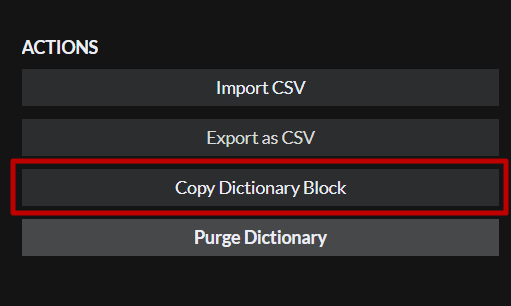
- Paste it anywhere you want in your articles! You'll need to use the Advanced BBCode Editor for this.
For more information and help with articles, check the Guide to articles.