

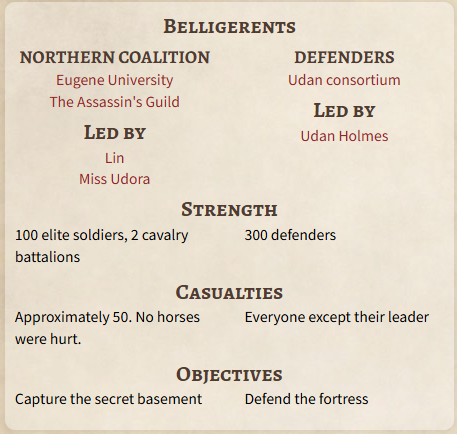
The Military Conflict template lets you define the sides that participate in it in a dedicated widget within the article. Here's how to set it up! This screenshot shows what this looks like in view mode:
How to set up the belligerents
Start by editing or creating a Military Conflict article, and the follow these steps:
- Click on the Belligerents button in the bottom toolbar to open the Belligerents settings:
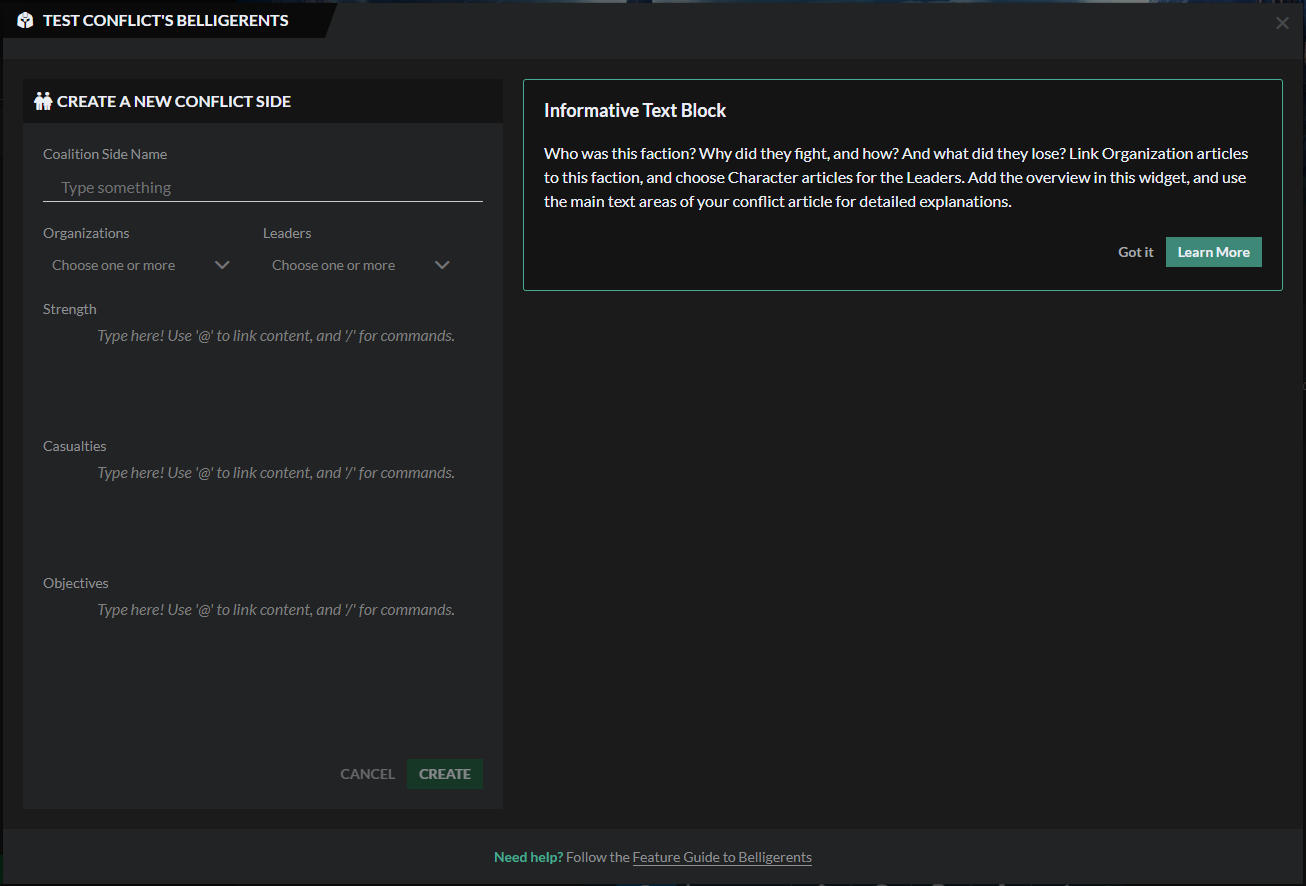
- Fill out the various fields with details about each belligerent. You will see that each belligerent is called a "coalition"; this is because in a conflict, each side is often made up of various organizations and characters. Use the Organizations and Leaders dropdowns to select them.
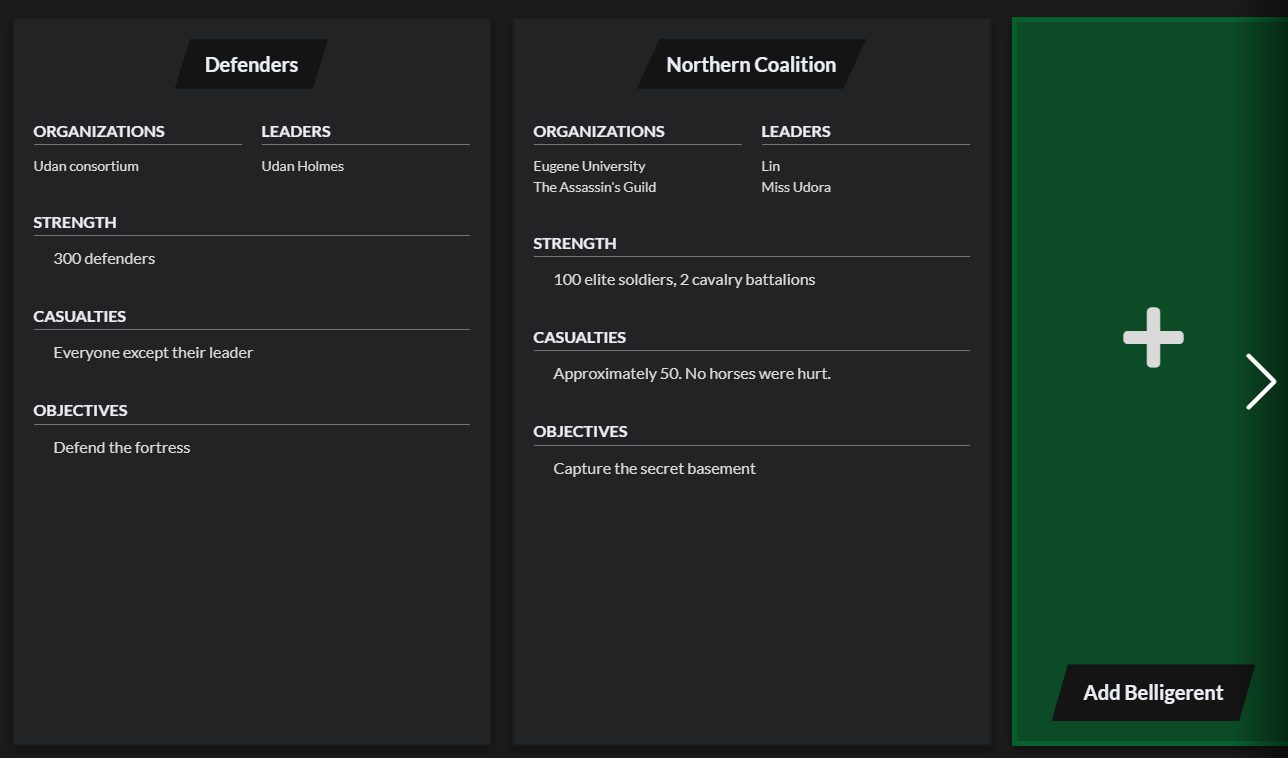
- After saving, you will have the option to create a new belligerent. As you add new belligerents, they will appear in the Belligerents modal like this:
For more information, check the guide to the Conflict template.